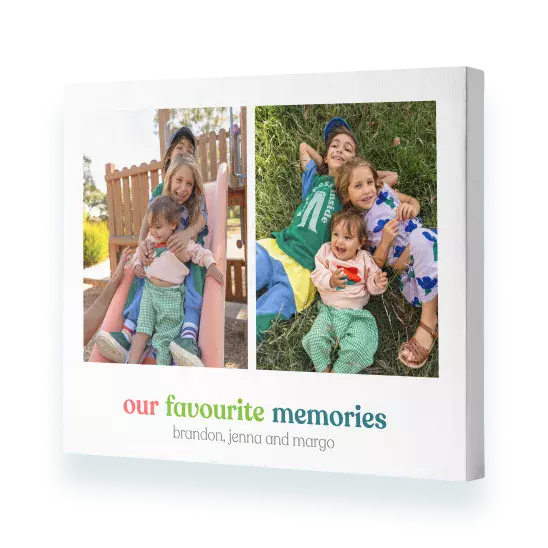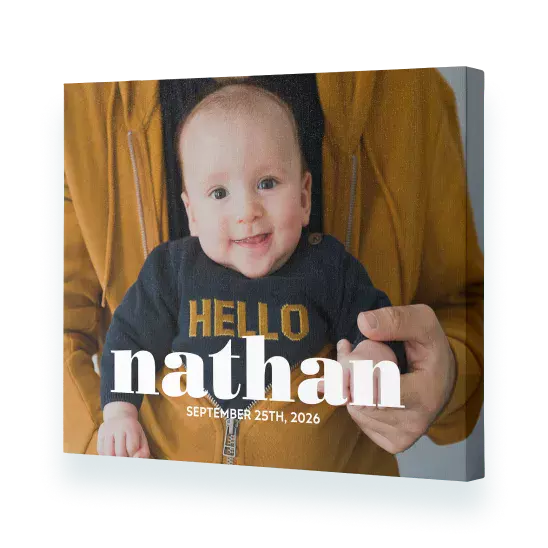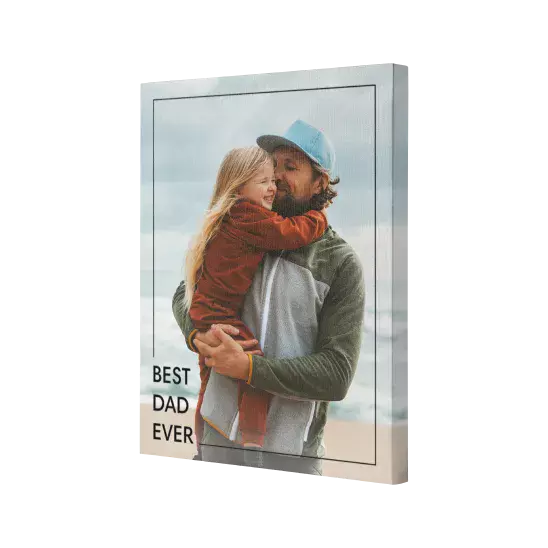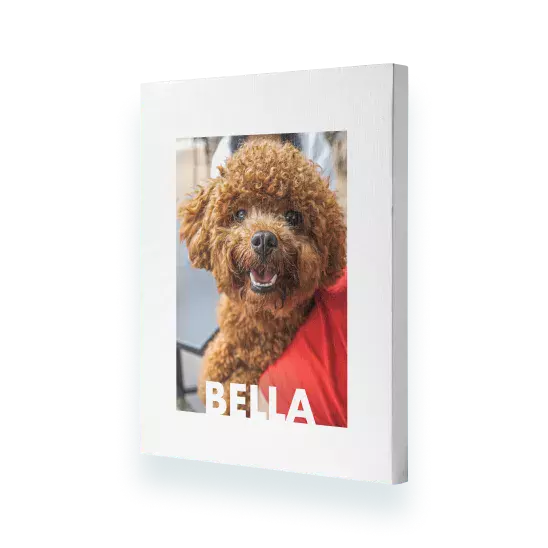
Great service. Product arrived earlier than expected. Very happy with my canvas.
- Ktee
Awesome canvas prints
We were very happy with the canvas prints made from our photos (taken on our phones) Great quality and the colours are vibrant Thanks for a great service at a reasonable price
- Meredith
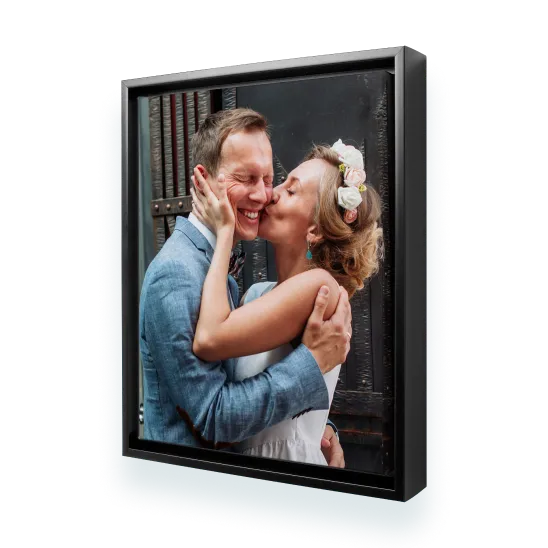
Framed Canvas
Great canvas. Came out better than I expected and a good price too.
- Karen J
Very happy with the end result
1st time putting a photo on a canvas. I look at it every day and happy to say I'm very pleased with the end result.
- Ramona
Very satisfied with my purchase.
Great service. Product arrived earlier than expected. Very happy with my canvas.
- Ktee
Awesome canvas prints
We were very happy with the canvas prints made from our photos (taken on our phones) Great quality and the colours are vibrant Thanks for a great service at a reasonable price
- Meredith
Framed Canvas
Great canvas. Came out better than I expected and a good price too.
- Karen J
Very happy with the end result
1st time putting a photo on a canvas. I look at it every day and happy to say I'm very pleased with the end result.
You can change the orientation of our canvas prints while you are tweaking your canvas pictures online, in the project builder. Simply click the ‘Orientation’ button, which is located on the right-hand side of your canvas. We recommend choosing your orientation before you start designing your canvas picture prints, from breathtaking panoramic canvases through to a fun split canvas. If you switch orientation mid-design, your design may alter.
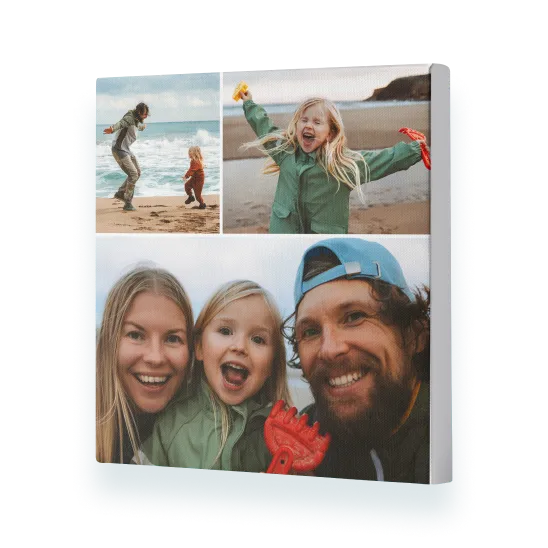
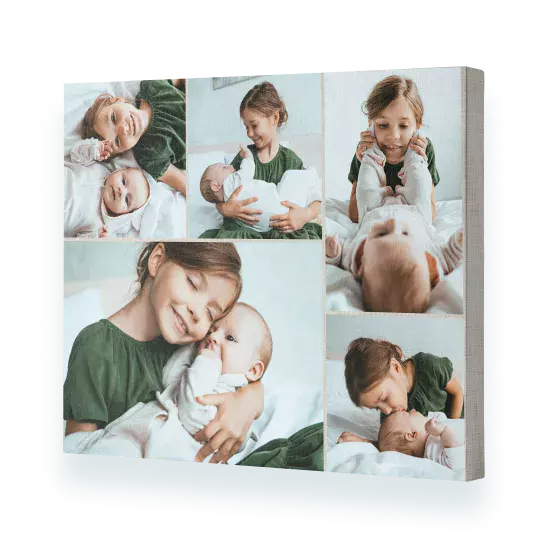
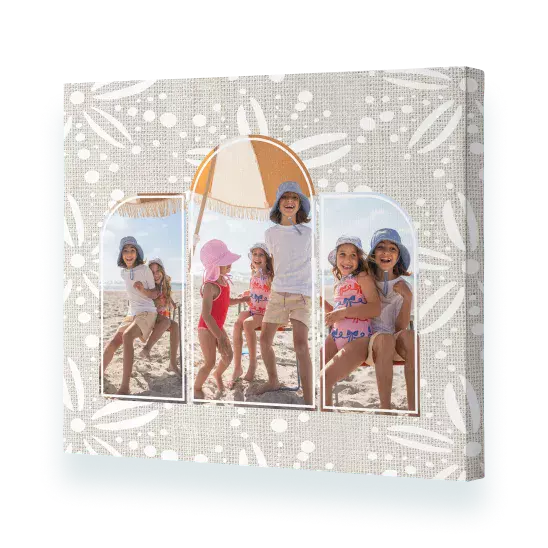
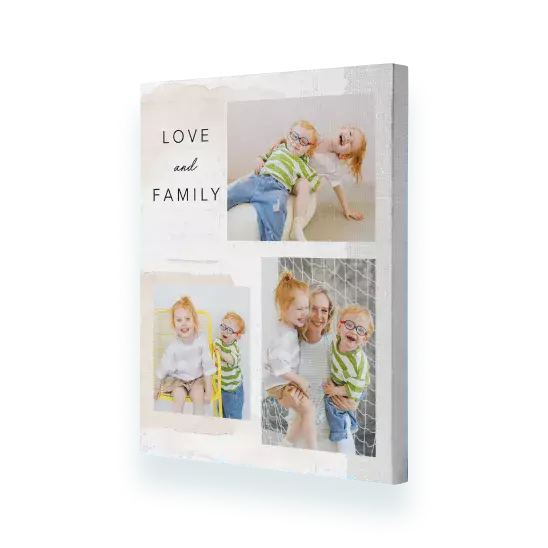
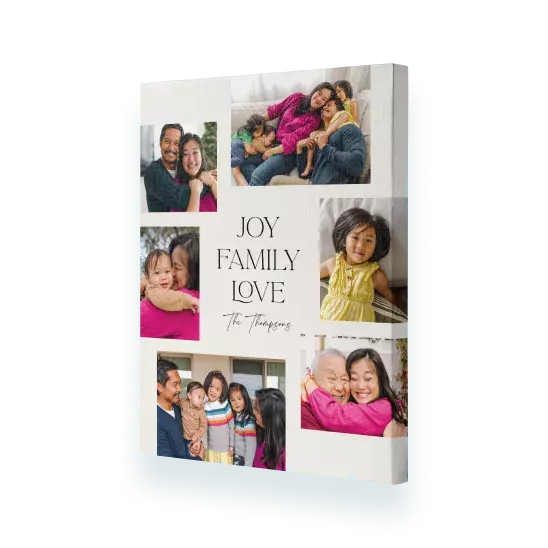
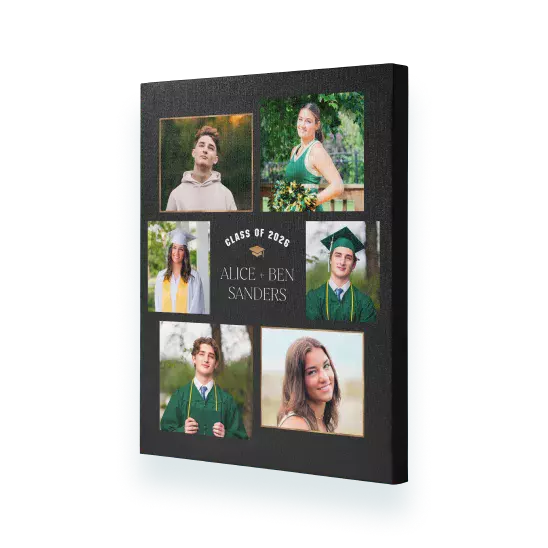
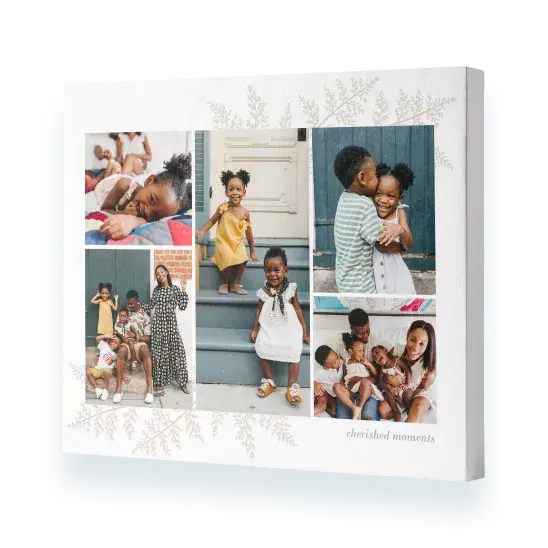
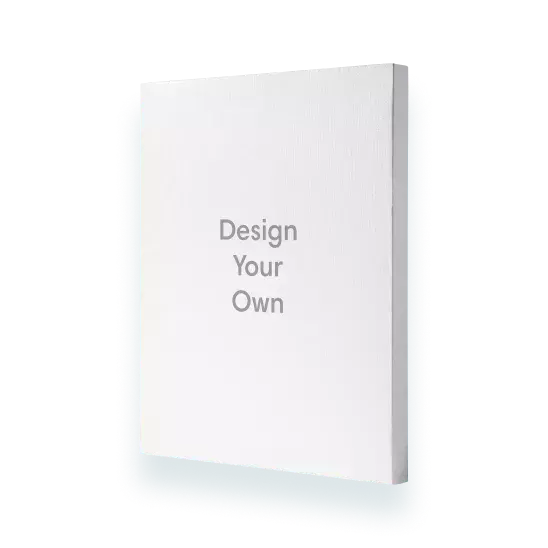
It's easy to create collage canvas pictures online when canvas printing with Snapfish. Simply select 'Collage Canvas' from the menu, choose a size and click 'Create Now'. Sign in and add photos. The photos will automatically be added to your canvas photo prints. Click 'Shuffle' located next to your photo canvas in the builder to change the layout. Alternatively, select 'Design Your Own' and create your own collage design by dragging and dropping photos from the photo well onto the canvas print, and using the ‘Shuffle’ button until you are happy with the layout.
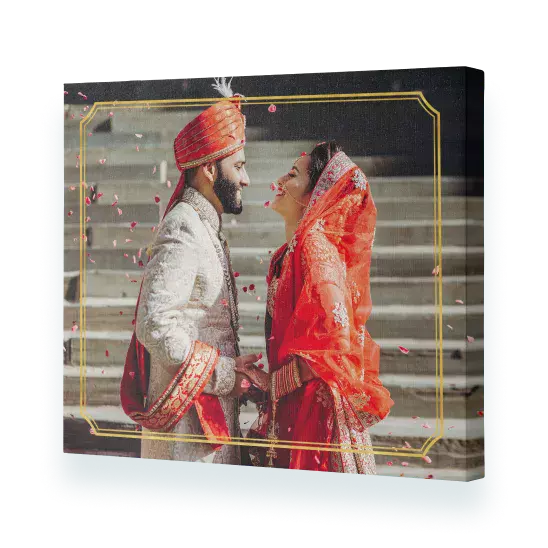
To avoid your photo wrapping around the edge of canvas prints, simply opt for a design that doesn't wrap the photo around the edge. Our framed canvas prints also prevent the photo from wrapping around the side, for a classic finish.
Personalised canvas printing doesn’t need photos if you don’t want them! The easiest way to create non-photo canvas prints is to start with a single photo design, which you can find in ‘More Designs’ > ‘Photo Wrap’. Select a design. From there, you can remove the photo by clicking ‘Shuffle’ and then deleting the ‘Photo Here’ slot using the ‘bin’ icon.
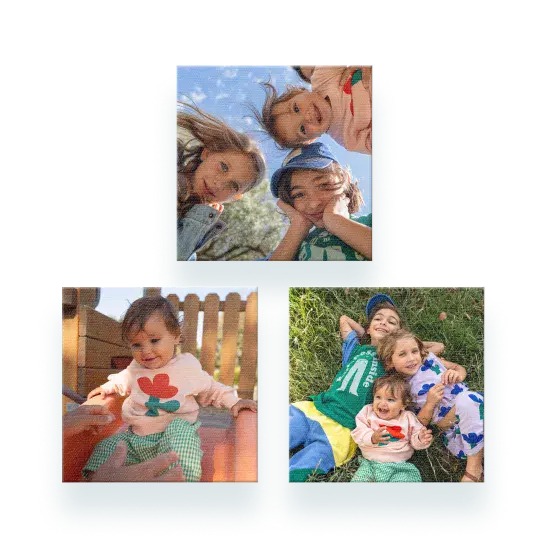
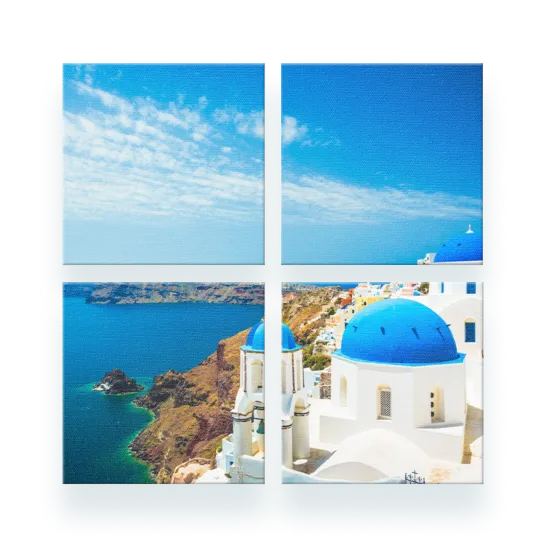
You can add as many photos as you like to canvas picture prints, but we think the fewer photos you add, the better, especially on our smaller canvas picture prints. For larger canvas photo prints, you can naturally add more photos, or try our canvas gallery set to add larger individual photos across your wall!
Yes, hanging kits are included with all our small canvas photo prints. Our large canvas prints and Premium canvas ranges are delivered ready to hang, right out of the box.